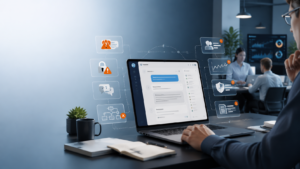
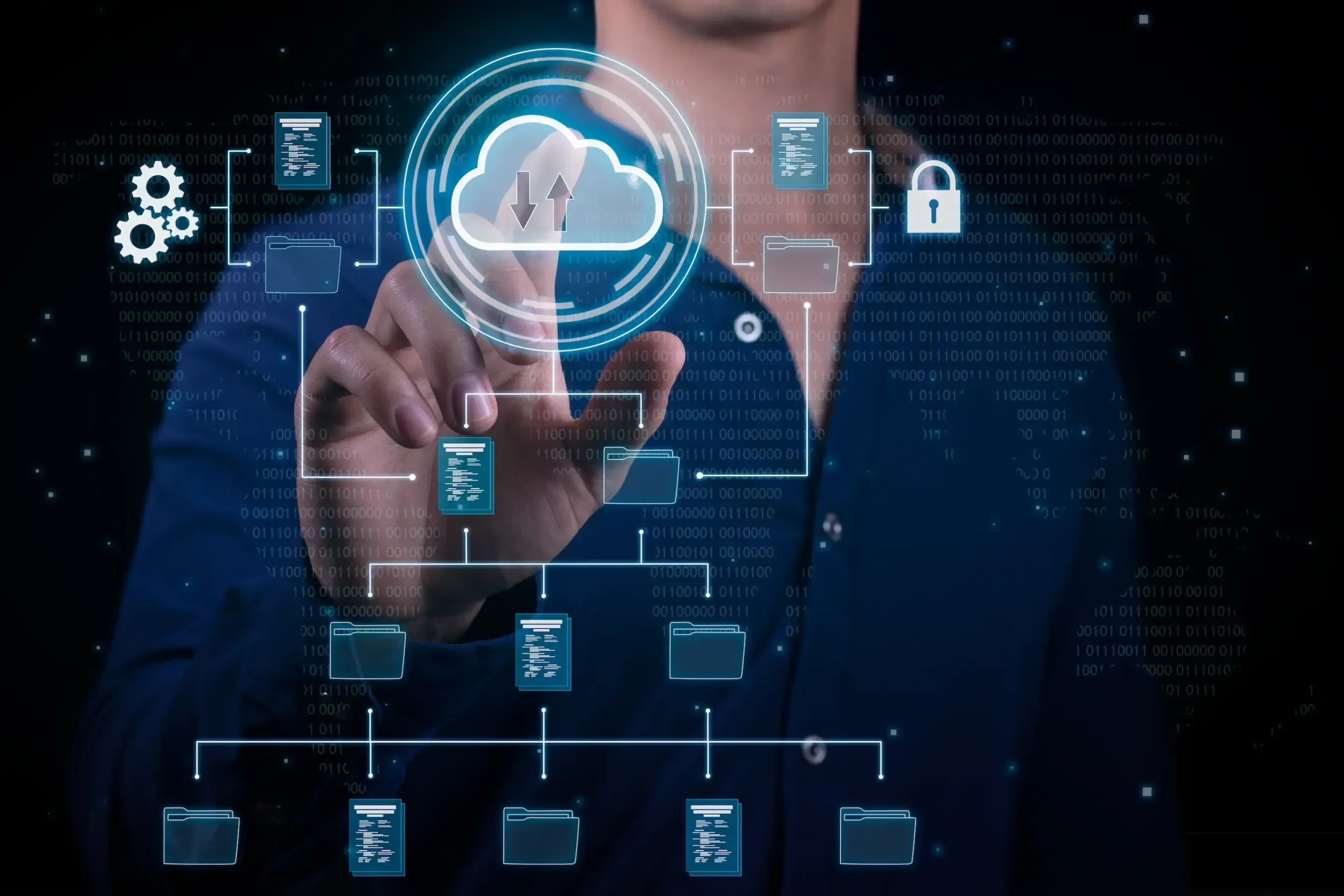
Cloud computing and artificial intelligence have become inseparable partners in modern technology. Organizations run machine learning pipelines, automate workflows, and deploy intelligent applications directly in the cloud. It’s fast, scalable, and incredibly powerful. But here’s the uncomfortable truth: when AI workflows move to the cloud, the attack surface grows dramatically. Think about it for a moment. Your data pipelines, training models, APIs, and automation scripts are all connected. If one small component is vulnerable, the entire AI workflow could be exposed. So the question becomes: how do we secure AI-driven cloud workflows without slowing innovation down?
That’s exactly what we’ll explore in this guide. We’ll break down practical AI security cloud workflow best practices, real-world considerations, and the small but critical habits that separate secure systems from vulnerable ones. Companies like TechnaSaur, which specialize in AI security and infrastructure optimization, often emphasize that workflow security must be designed into the system from the start, not added later. Let’s dive in.
Understanding AI Cloud Workflows
Before discussing security, it helps to understand what an AI cloud workflow actually looks like. In simple terms, an AI workflow in the cloud typically includes:
- Data ingestion – collecting raw data from sources
- Data processing and cleaning
- Model training
- Model testing and validation
- Deployment through APIs or applications
- Continuous monitoring and retraining
Each of these steps spans multiple service databases, compute clusters, storage systems, APIs, and orchestration tools. Now imagine all these pieces talking to each other across the cloud. It’s efficient. But it also creates multiple security checkpoints where things can go wrong. One weak authentication token. One poorly secured storage bucket. One exposed API endpoint. That’s all it takes.
Why AI Cloud Workflow Security Matters
Security in traditional software systems is already complex. AI adds another layer of risk. Here are some common threats organizations face:
- Model theft
- Data poisoning attacks
- Unauthorized access to training data
- API abuse
- Cloud misconfigurations
- Supply chain vulnerabilities
And unlike traditional systems, AI models are valuable intellectual property. Training them requires massive datasets, time, and computing power. If a competitor or attacker steals your trained model, they essentially steal months or even years of work. This is why cybersecurity teams and organizations such as TechnaSaur stress the importance of workflow-level protection, not just endpoint security.
1. Secure the Data Pipeline First
Data is the foundation of every AI system. If the data pipeline is compromised, the entire model becomes unreliable. A secure workflow begins with protecting how data enters and moves through the system. Best practices include: Encryption everywhere
Data should be encrypted both
- At rest
- In transit
Even internal traffic between cloud services should be encrypted. Strict access control. Only authorized systems and users should be able to access training data. This often means implementing the following:
- Role-based access control (RBAC)
- Identity-based permissions
- Temporary access tokens
Input validation
AI models are particularly vulnerable to data poisoning attacks. Attackers may intentionally insert malicious data into training sets. This is why automated validation pipelines are essential. Sometimes, teams underestimate the vulnerability of training data. It often sits in storage buckets or shared datasets, quietly waiting to be exploited.
2. Implement Strong Identity and Access Management
One of the most common causes of cloud security breaches is misconfigured identity permissions. AI workflows involve multiple actors:
- Data engineers
- ML engineers
- automation systems
- cloud orchestration tools
- external APIs
Without strict identity control, permissions can spiral out of control quickly. Strong identity security includes:
Principle of Least Privilege
Each user or service should have access only to what it absolutely needs. Nothing more.
For example:
- A data ingestion script does not need model deployment permissions.
- A training pipeline does not need administrative access to the entire cloud infrastructure.
Multi-factor authentication
Human users accessing cloud AI environments should always use MFA.
Service account isolation
Automated services should use dedicated credentials rather than shared keys.
Organizations working with AI infrastructure like TechnaSaur frequently audit cloud identities because they know that identity mismanagement is one of the biggest hidden threats.
3. Protect the machine learning models.
Most teams focus heavily on training models. But fewer teams think about how to protect the model itself. AI models can be attacked in multiple ways:
- Model extraction attacks
- Reverse engineering
- Adversarial inputs
- API probing
Imagine someone repeatedly querying your model API until they reconstruct its behavior. It happens more often than people think. To protect models:
Use API rate limiting
This prevents attackers from repeatedly probing your system.
Apply output filtering
Avoid returning overly detailed prediction confidence scores when unnecessary.
Encrypt stored models
Trained models should be stored securely, especially if they contain proprietary architectures or learned features.
Companies like TechnaSaur emphasize that models should be treated as high-value assets, just like sensitive business data.
4. Secure Cloud Storage and Compute Resources
Cloud services are powerful, but they’re also easy to misconfigure. Some of the biggest data leaks in recent years were caused by public cloud storage buckets accidentally left open. AI workflows depend heavily on:
- object storage
- distributed computing clusters
- GPU instances
- data lakes
These must be locked down carefully. Key security practices include the following:
Private storage by default
Never leave storage endpoints public unless necessary.
Network segmentation
Separate:
- training environments
- development environments
- production systems
This limits the blast radius if something goes wrong. Automated configuration monitoring. Security tools can scan for misconfigurations continuously. Many security teams, including those at TechnaSaur, rely on automated cloud monitoring systems that detect permission changes instantly.
5. Use Secure CI/CD for AI Pipelines
Modern AI development relies on continuous integration and deployment pipelines. But if CI/CD systems are compromised, attackers can inject malicious code directly into AI models. Yes, your model could be compromised before it even reaches production. That’s why AI pipelines need security controls such as the following:
Signed code commits
Developers must sign commits to verify authenticity.
Pipeline verification
Every pipeline step should be logged and verified.
Container scanning
Many AI workloads run in Docker containers. These containers should be scanned for vulnerabilities before deployment.
Organizations with mature AI infrastructure, including platforms supported by TechnaSaur,, often implement secure MLOps pipelines that integrate security scanning directly into development workflows.
6. Monitor AI Systems Continuously
Security isn’t a one-time setup.
AI systems evolve constantly:
- models retrain
- data updates
- pipelines change
Without monitoring, vulnerabilities can appear quietly. Continuous monitoring should include:
Model behavior monitoring
Sudden changes in prediction behavior could indicate adversarial attacks.
API monitoring
Look for unusual query patterns.
Infrastructure monitoring
Detect abnormal compute usage, which could signal unauthorized activity. Security teams often use anomaly detection tools, sometimes powered by AI themselves, to monitor AI workflows. It’s a bit ironic, but also effective.
7. Maintain AI Supply Chain Security
AI systems rarely rely on internal code alone. They depend on external components such as the following:
- open-source ML libraries
- pre-trained models
- external APIs
- third-party datasets
Each dependency introduces risk. This is known as the AI supply chain problem. Best practices include dependency scanning, which regularly scans libraries for known vulnerabilities. Trusted repositories: Only download models and libraries from verified sources. Version control: Lock dependency versions to prevent unexpected updates. Organizations like TechnaSaur often recommend building internal model registries to control which models can be used within production systems.
8. Establish Incident Response Plans
Even with strong security, incidents can happen. The key is being prepared. Every AI workflow should have a clear response strategy:
- Detect the issue
- Isolate affected systems
- Investigate logs and data
- Restore secure workflows
- Retrain compromised models if necessary
AI systems add a unique challenge: models themselves may become corrupted. If the training data were poisoned, the safest solution may be retraining the model entirely. Preparation is everything.
9. Train Teams on AI Security Awareness
Technology alone cannot solve security problems. Human mistakes remain one of the biggest causes of breaches. Developers, engineers, and data scientists must understand:
- secure coding practices
- cloud permission management
- data privacy risks
- adversarial machine learning
Organizations that prioritize security culture tend to avoid many common mistakes. Teams collaborating with TechnaSaur often receive workflow security training so that security becomes a natural part of development, not an afterthought.
10. Design Security Into AI Architecture
Finally, the most important rule of all: Security should be part of the architecture, not an add-on. Trying to secure an AI system after it has already been deployed is extremely difficult. Instead, security should be embedded into the following:
- workflow design
- infrastructure architecture
- data governance
- development pipelines
The most resilient AI systems are built with security in mind from the very beginning. And this is where experienced cloud AI partners like TechnaSaur often make a major difference by helping organizations design secure, scalable AI ecosystems.
Final Thoughts
AI in the cloud unlocks incredible possibilities. From automated analytics to intelligent applications, the technology is transforming industries faster than anyone expected. But innovation without security is risky. A single misconfigured storage bucket, exposed API, or weak access policy can undermine an entire AI ecosystem. By following these AI security cloud workflow best practices, organizations can build systems that are not only powerful but also resilient. And perhaps the most important takeaway is this: Security is not a tool. It’s a mindset. When teams approach AI workflows with security-first thinking and collaborate with experienced infrastructure specialists like TechnaSaur, they create systems that are built to last. In the fast-moving world of AI, that kind of stability is priceless. Learn More at Technisaur’s Ai-Courses.
Frequently Asked Questions (FAQs)
1. What is an AI cloud workflow?
An AI cloud workflow refers to the automated sequence of processes used to build, train, deploy, and maintain machine learning models within cloud environments. These workflows often include data ingestion, preprocessing, model training, deployment, and monitoring stages running across cloud infrastructure.
2. Why is security important in AI cloud workflows?
AI workflows handle large volumes of sensitive data and valuable machine learning models. Without proper security, organizations risk data breaches, model theft, adversarial attacks, and cloud misconfigurations that could compromise both operations and intellectual property.
3. What are the biggest security risks in AI cloud systems?
Common risks include data poisoning attacks, unauthorized access to training datasets, exposed cloud storage, insecure APIs, model extraction attacks, and vulnerabilities in third-party libraries used in machine learning pipelines.
4. How can organizations secure their AI pipelines?
Organizations can secure AI pipelines by implementing strong identity access management, encrypting data, securing cloud storage, monitoring infrastructure continuously, and integrating security checks into CI/CD pipelines used for machine learning development.
5. How does TechniSaur help improve AI workflow security?
TechniSaur provides expertise in secure AI infrastructure design, cloud security architecture, and workflow optimization. Their solutions help organizations protect training data, secure machine learning pipelines, and monitor AI systems to reduce security risks in cloud environments.